3D games in the browser
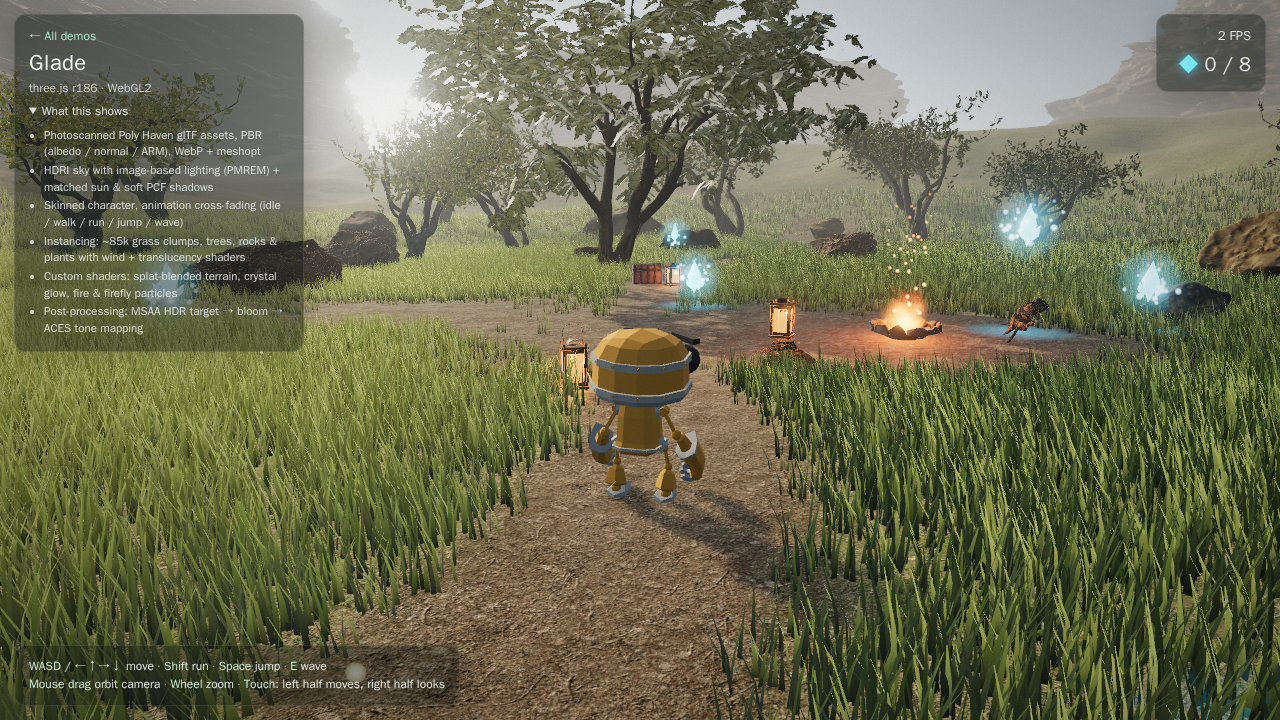
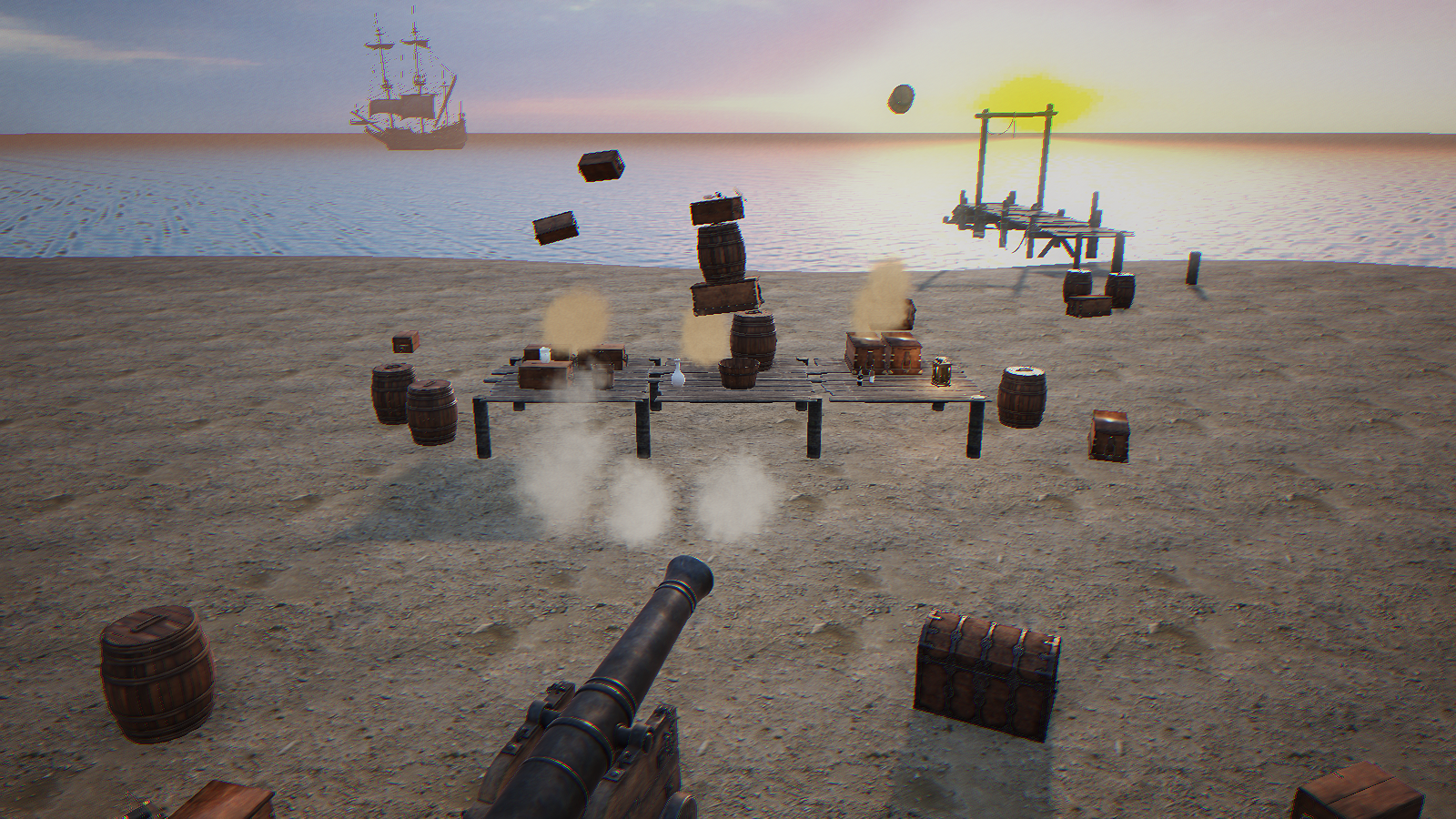
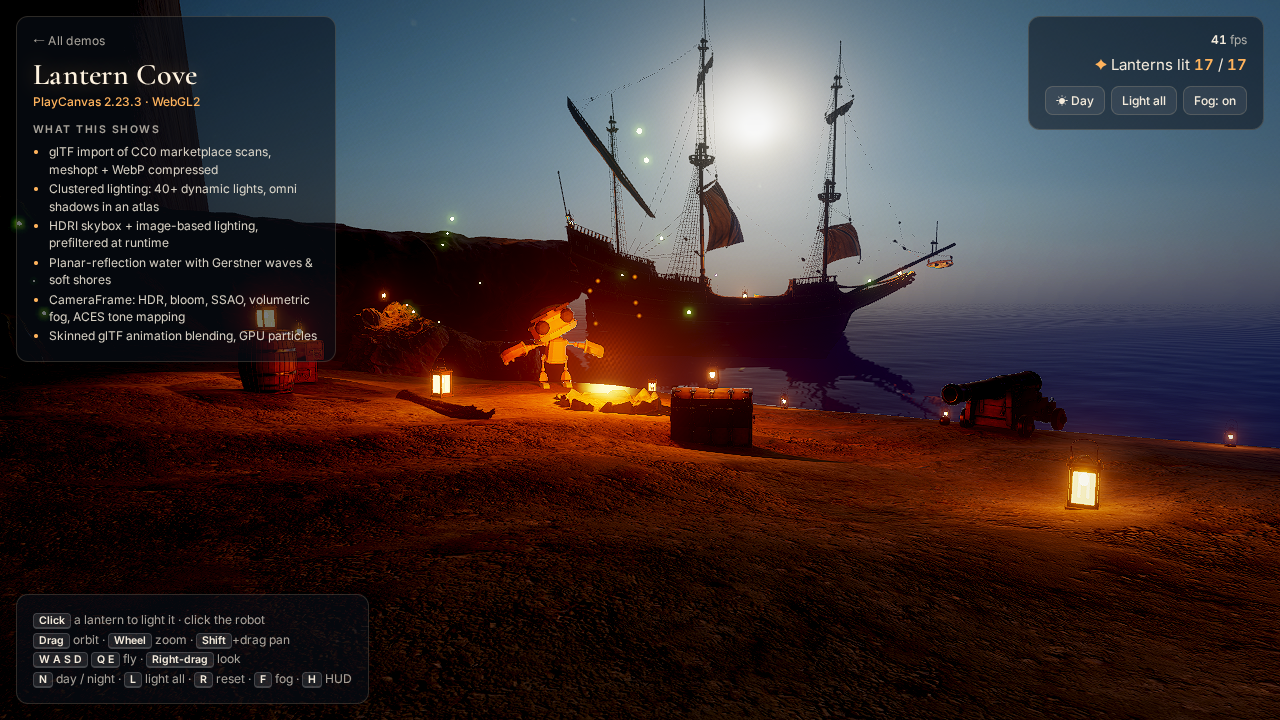
Three web-native engines, one playable demo each, built from real imported assets (photoscanned PBR models, HDRI lighting). Open the demos on a desktop browser with a GPU.
Demos
Options
Not recommended for browser-first
| Engine | Why not |
|---|---|
| Unity (Web build) | Best editor and asset store, WebGPU is production in 6.6 — but even an empty 3D build is ~10 MB compressed, long startup, heavy memory on mobile browsers. Choose it only if the game also ships native or the team is Unity-only. |
| Godot 4 (Web export) | Web uses only the reduced Compatibility (WebGL 2) renderer; C# web export is still experimental. Fine for stylised games, weak for “graphics quality”. |
| Unreal Engine | No official web export since 4.24; only pixel streaming (rendered on a server GPU, paid per user-hour). |
Importing marketplace assets (Fab and others)
Fab's Standard License allows use in any engine, including Megascans. Listings export as FBX, glTF/GLB or USD. All three engines read glTF natively, so the pipeline is the same for all of them:
Fab / Sketchfab / Poly Haven→
FBX / OBJ / USD→ Blender or FBX2glTF →
glTF / GLB→ gltf-transform →
Meshopt/Draco + KTX2/WebP→
engine
- Only meshes, skeletons, animations and PBR textures transfer. Unreal-specific parts —
.uasset, material graphs, Nanite, Blueprints — do not. - Photoscanned assets ship with millions of triangles and 4–8K textures: plan decimation/LODs and texture compression per asset; budget the download, it is the main web constraint.
- Rigged characters (FBX + Mixamo-style animations) convert cleanly; animation retargeting is built into Babylon.js, a manual step in three.js.
- PlayCanvas Editor does the FBX → GLB conversion and texture compression automatically on upload; with three.js/Babylon.js it is a build step in our repo.
Recommendation
Babylon.js for a game built by developers: the most complete engine with the least glue code and stable upgrades. PlayCanvas if artists/designers must build levels themselves — its editor is the deciding feature. three.js if the product is closer to a custom web experience than to a game, or minimal load size matters most.